
Purpose
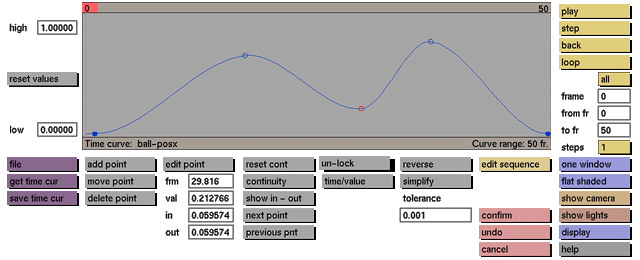
To unlock the fixation to frame numbers of the control points that represent key events.
Usage
Click the unlock toggle button to activate it. Click the toggle button again to deactivate it.
Comments
While this toggle button is active, control points representing fixed events (filled dots) can be edited, repositioned, and deleted. Fixed or key events are events created using the fix event button in the modeling menus.
See also
delete point, move point, edit point


