
Usage
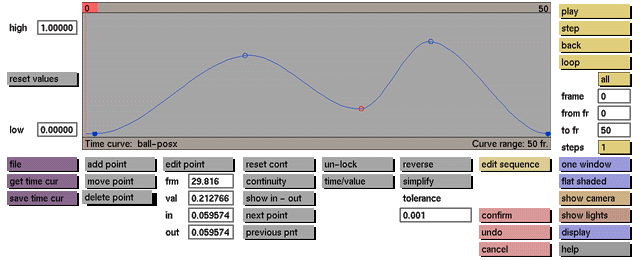
Click the delete point toggle button to activate it.
While this toggle button is active, you can delete a control point by clicking it.
Comments
When a point is deleted the time curve will be redrawn to reflect the change. If you wish to restore a point that you have accidentally deleted, click the undo button. Event points can be changed only if the unlock toggle button is active.
See also
add point, move point, edit point, undo, unlock


