
Purpose
To display a frame of an animation.
Usage
Comments
See also
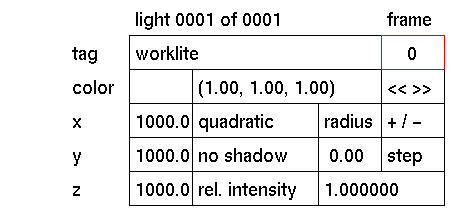
Click the frame input box to activate it (red outline). The following prompt will appear in the input box:

In response to this prompt type the frame number you want to see. Press
When activated, all animated elements of a composition (including values displayed in the lights input boxes) will be reset to the status of the environment of that frame. Frames are not fixed by using this input box. If the environment contains no animated elements this box will not respond.
animation menu, fix event


