
Usage
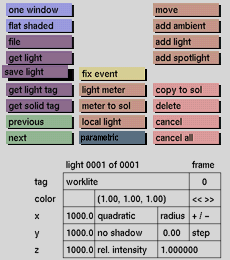
Click the save light button to activate it. The selection submenu will be displayed where you can make your selection.
Comments
Only the save light sources at the currently active part of the tree will be saved if the local light toggle button is active, or only the global light sources if save light is deactivated.


