
Usage
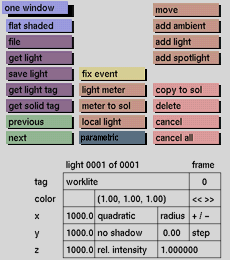
Click the one window toggle button to activate it. Click it again to deactivate.
Comments
The one window toggle button is useful when dealing with large amounts of data. It is much faster to redraw only one window than three at the same time. When it is necessary to view the model in one of the other windows, they can be updated and made active by clicking in the window to be updated.
If activated or deactivated in this menu, one window will also be activated or deactivated in the other menus that have this toggle button.


