
Usage
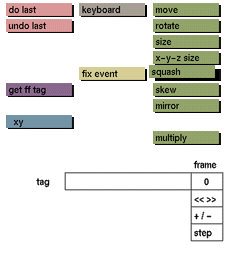
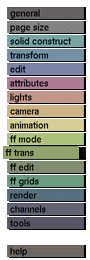
For general information on the use of squash, refer to squash in the the transform menu . See also move in this section.
Comments
squash
button will remain active until another button is clicked or another menu is selected.
When you enter different values for the x, y, and z directions, the result will be an average to keep the volume constant. However, if point in path, point in net, or path in net is currently active, the volume will not remain constant because you are manipulating only parts and not the complete free form.
See also move in this section.
See also
point in path, point in net, path, path in net, net, move, rotate, size, skew, mirror, keyboard


