
Usage
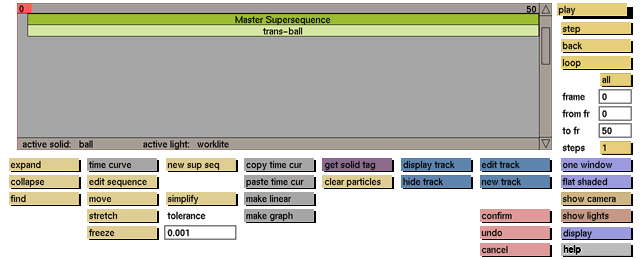
Click the play button to activate it.
Comments
To interrupt the animation press any keyboard key, or click a mouse button. The range of frames previewed with the play function may be set with the from frame and to frame data input boxes. If you wish to see the play range repeated over and over, activate the loop toggle button. If you wish to see it played backwards activate the back toggle button.
The current animation can also be played back by hand by selecting the red frame number bar with the left mouse in the sequence selection box and, while keeping the middle mouse button pressed, moving the mouse left or right.
To speed up the display, select edit sequence and click on one of the sequences (e.g. the master super sequence) within the edit sequence menu. The red frame number bar will not be displayed, which will speed up the redrawing of the screen.
To display a wire frame animation in real time, use the record option in the Particles or Organic modules (see Tools manual).
See also
loop, from fr, to fr, step, back, all


