
____________________________________________________________________________________
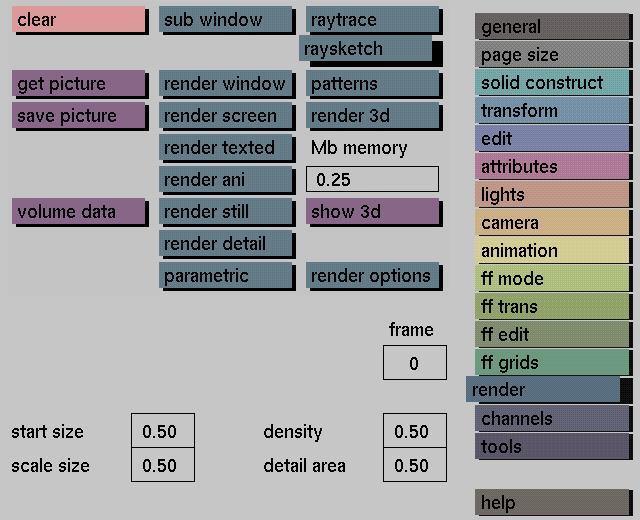
Once an image has been rendered using RaySketcher or the regular GIG raytracer, it is possible to selectively raytrace parts of that image wit different colors or textured effects. For example, if the rendered image is a room with a door, walls, floor, and a ceiling, by choosing specific objects within that room, say the door and the ceiling, it is possible to re-render those objects using the various "texture" patterns available with RaySketcher. Re-rendering of specific objects can also be done with the regular GIG raytracer.
The GIG renderer utilizes the fastest raytracing algorithm available. Now with GIG raySketcher, GIG users will be able to produce unique painterly quality GIG raytraced images, which will significantly speed up the production process. It can also be used for intermediate or even final stage design work.
Texture rendering
The regular GIG raytracer calculates the color of each single pixel
in an image. The raySketcher randomly selects pixels in an
image and then calculates the color of each selected pixel as a
particular texture brush. The user can influence the effect of RaySketcher by
selecting the type of pattern and the pattern size. The size of the pattern can
also be changed during rendering.
Because not every single pixel in an image has to be calculated, RaySketcher will render significantly faster then the regular GIG raytracer.
Detail rendering
With GIG RaySketcher it is possible to re-render sections of an already
rendered image. Attributes and RaySketcher patterns can be changed, or the
regular GIG raytracer can be selected before re-rendering a particular
section. Detail rendering can be executed directly from the render, attributes, and edit menus.






