
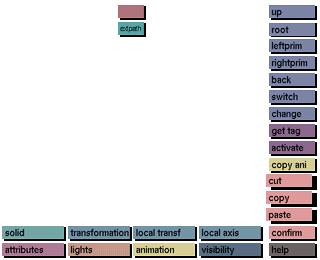
Purpose
To cut or copy solids, attributes, animation's etc. from one node of the tree and then paste to another node of the tree.
Preparation
The type of edit function to be cut, copied or pasted has to be selected by clicking on the corresponding button at the bottom of the screen. The available edit functions are:
Nodes containing the selected edit function will be highlighted in the view tree with the same color as the edit function buttons.
Usage
View the node of the object in the view tree from which an edit function has to be cut or copied.
Click on cut or copy and click the node in the tree from which the selected edit function has to be cut or copied.
When selecting cut, the item will be cut away from the selected node and can be pasted to another node.
When selecting copy, the selected edit function will remain on the selected node but can now be copied to another node.
To paste the edit function that has previously been cut or copied, view the node in the view tree to which you want to paste the item, click on paste and then on the node.
Comments
When selecting the edit function visibility, nodes with a none default setting for visibility will be highlighted (indirect only, direct only or none).


