

Usage
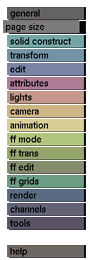
Select a library, change the settings in the input boxes as desired
and
click the save page size button to activate it. Then enter a name
for the
new page size in the selection submenu which appears.
Comments
Some names may not be used: for example, the names of the predefined
page
sizes that come with GIG.
See also
get page size, page size libraries


